Skip to content
Store opens 1 December 2026

Meet
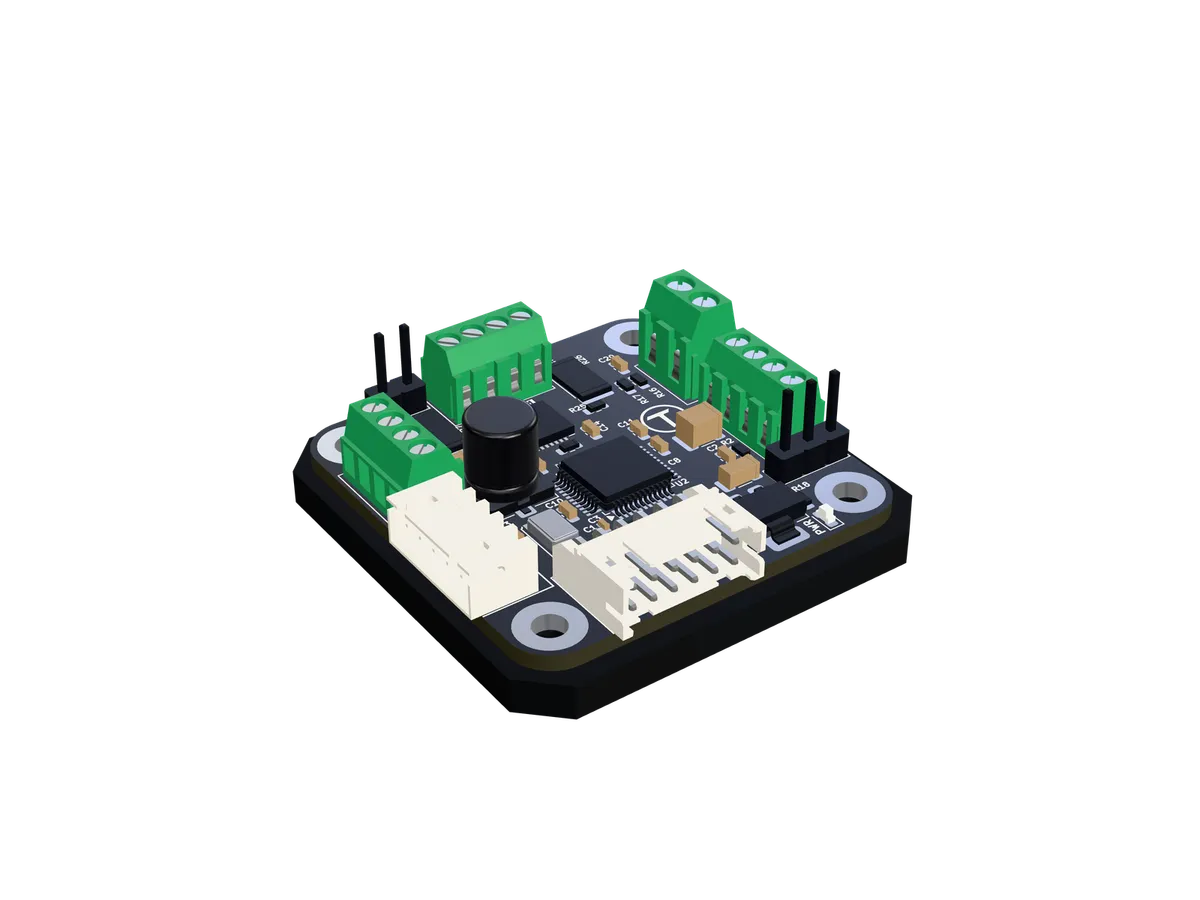
Tercio S1.

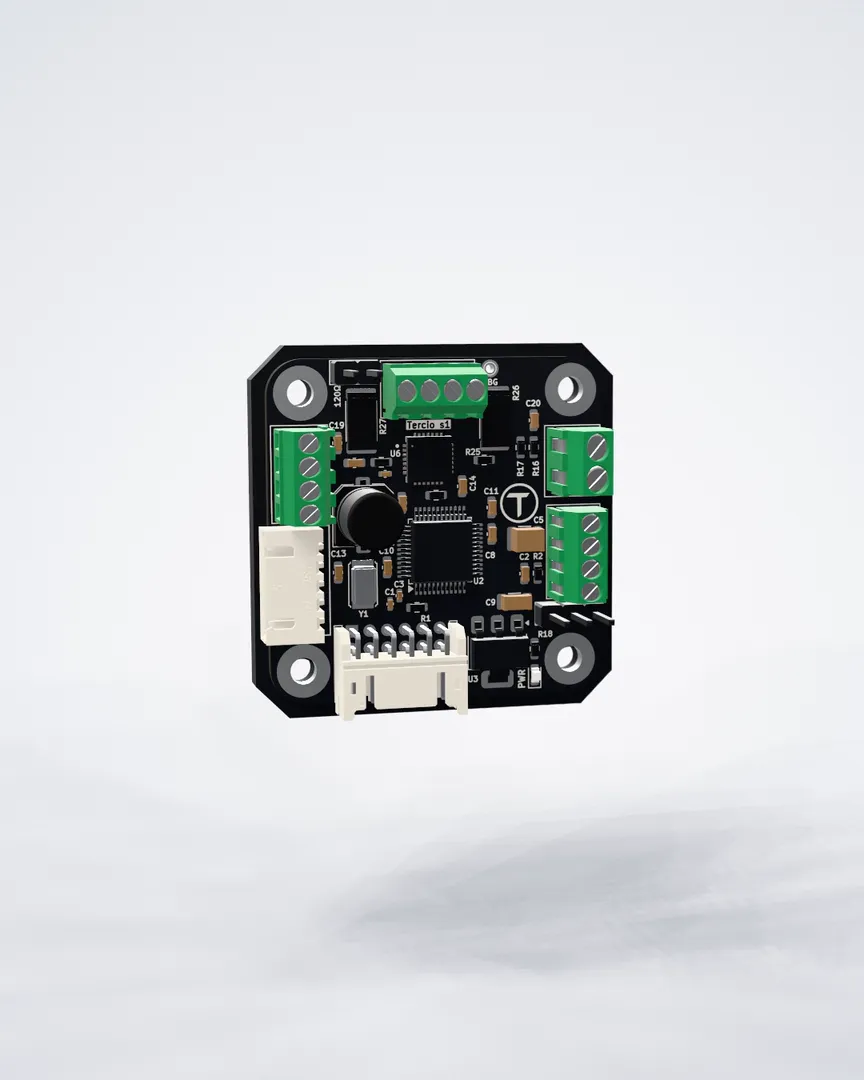
A closed-loop stepper driver that bolts to the back of a NEMA 17. Every step measured, every axis on one CAN-FD bus.

Explore Tercio S1
--
Days
--
Hours
--
Minutes
--
Seconds
Launching 1 December 2026 · 00:00 GMT
position loop
20kHz
counts per turn
4,096
CAN-FD data rate
2.5Mbit/s
axes on one bus
127
board size
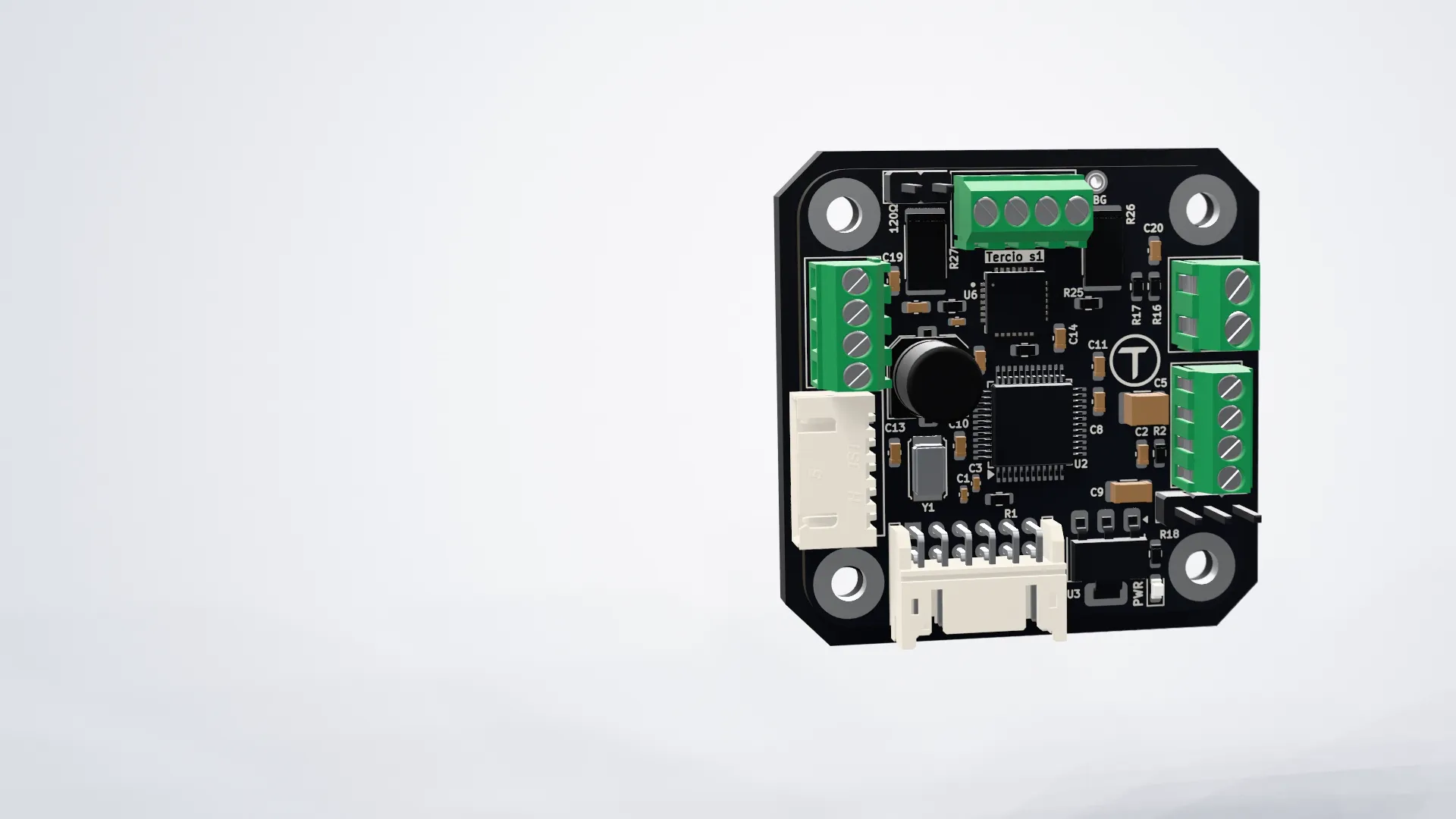
38×38mm
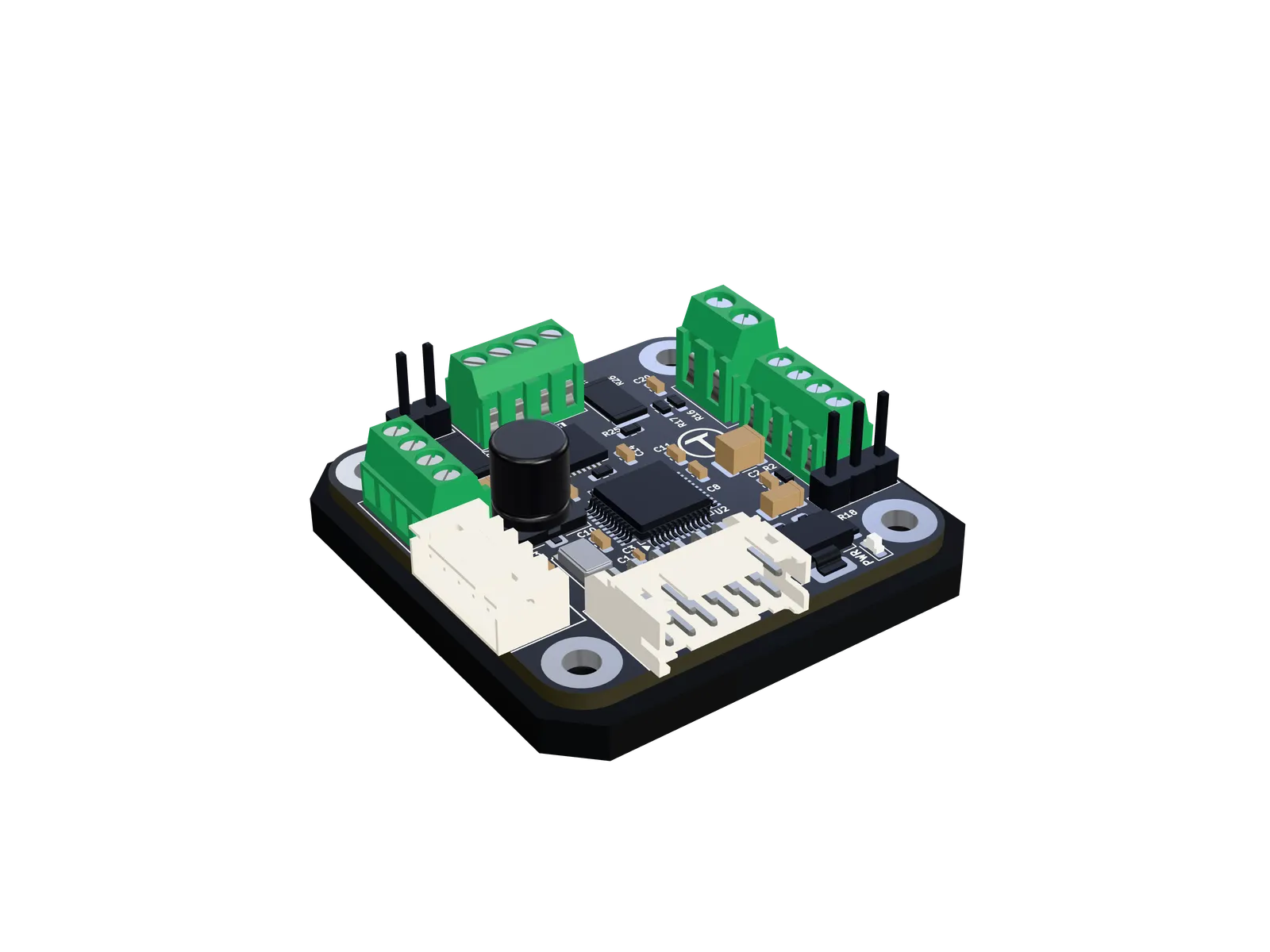
Tercio S1 · anatomy

Everything the loop needs,
on 38 millimetres.

Scroll through the board. Every part below sits where it does on the real PCB, straight from the CAD model.

01 / 05

A processor just for the loop

An Arm Cortex-M4F with hardware floating point runs trajectory planning, position control and step generation 20,000 times a second, on a timer of its own, whatever else the firmware is doing.

  • 20 kHz loop
  • 170 MHz
  • Q32.32 fixed-point position
Why closed loop

A stepper that knows
where it is.

Open-loop steppers trust that every step landed. The S1 checks, 20,000 times a second, and does something about it.

Never loses a step

A 20 kHz position loop tracks the shaft through the on-board AS5600. A blocked axis is caught as a stall and stopped, never silently shifted.

Tunes itself

Auto-tune runs the axis faster and faster until it slips, then keeps the fastest speed and acceleration that passed three times.

Quiet by default

The TMC2209 runs StealthChop at low speed and switches to SpreadCycle when the motor needs the torque.

Homes without switches

Home against a limit switch, or gently into a hard stop with reduced current. No switch needed.

Drop-in step/dir

Configure once over CAN, then drive it from any 3.3 V step/dir controller while it keeps the loop closed.

Open firmware

GPL-3.0 firmware built with PlatformIO, plus Python and Arduino C++ libraries and a browser control panel.

The bus

One cable to
every axis.

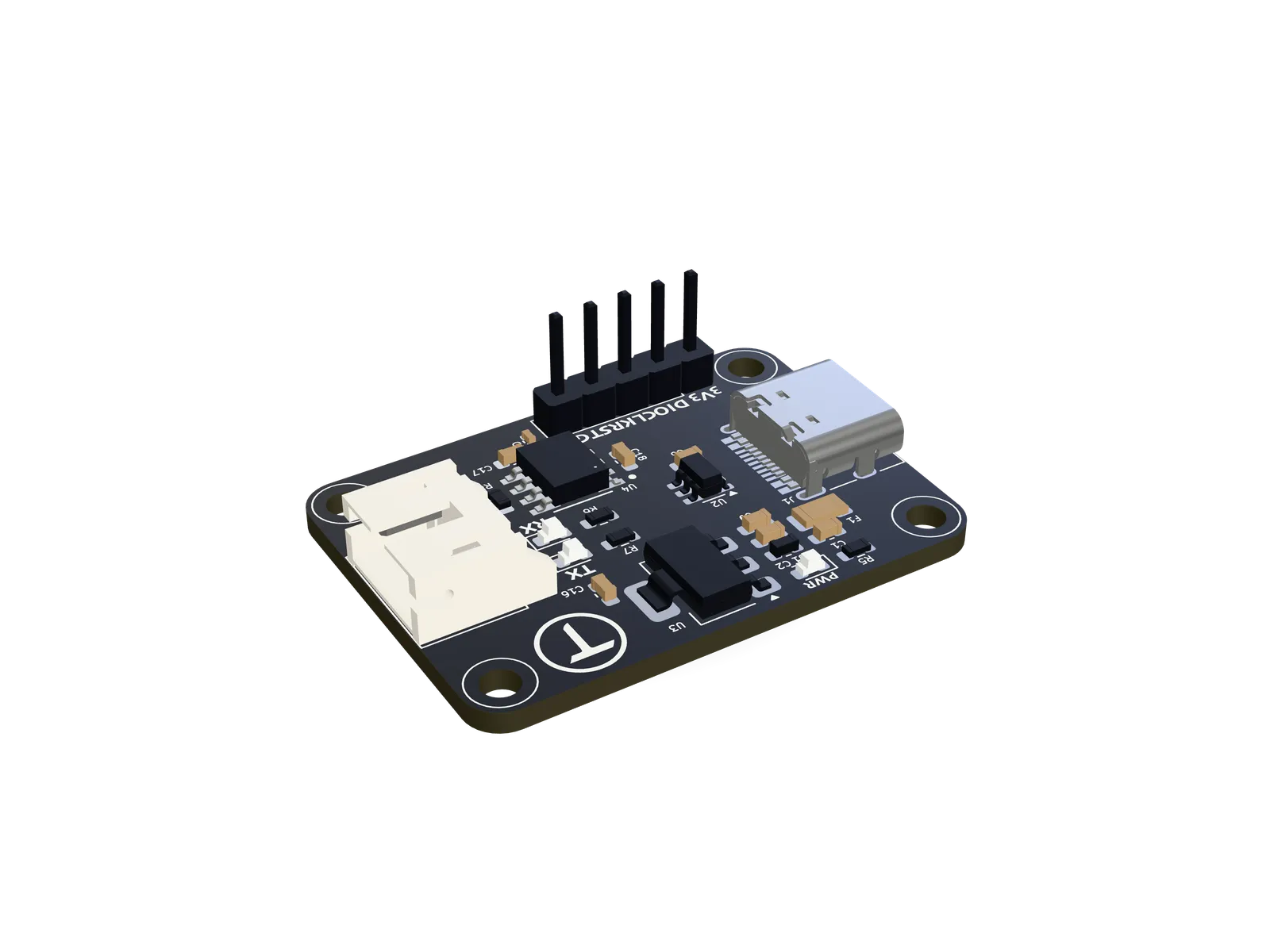
Tercio FD turns USB-C into CAN-FD. Daisy-chain S1 drivers and sensors along one twisted pair; each answers to its own ID and streams its state back.

Meet Tercio FD
Your computerChrome · Python · C++
USB-C
Tercio FDUSB-C → CAN-FD120 Ω
built in

CAN-FD · 2.5 Mbit/s

  • Tercio S1node 1
  • Tercio S1node 2
  • Tercio S1node 3
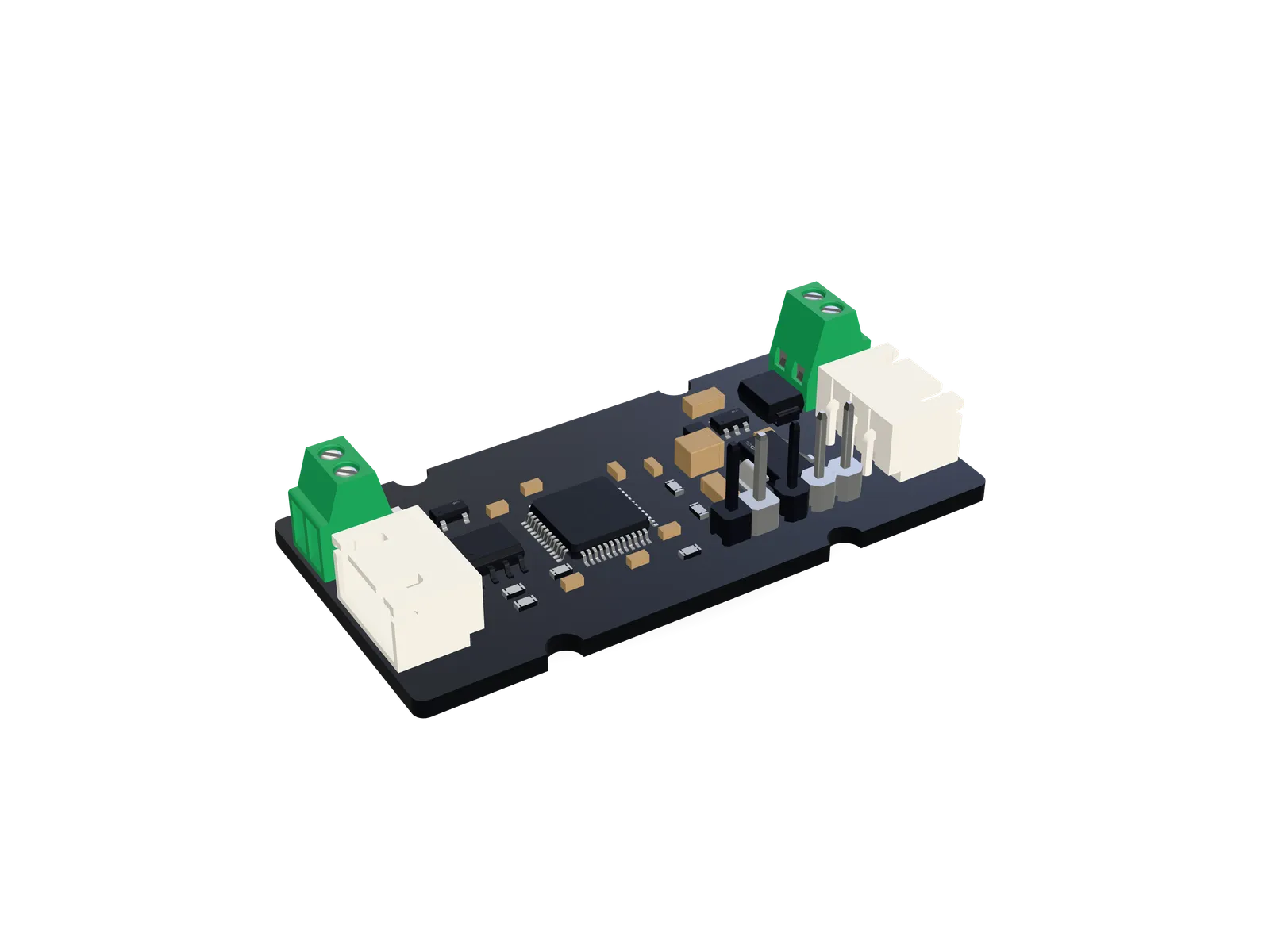
  • Tercio IMUorientation

Up to 127 nodes on one bus

Software

Tune it in
your browser.

Tercio Control runs in Chrome or Edge and talks to the bus over Web Serial. Nothing to install: plug in, click connect.

  • Live dial, readouts and a strip chart for every axis
  • Calibrate, home and auto-tune with one click
  • Step-response test that measures overshoot and settling
  • Every setting, applied live and saved to the motor
Open Tercio Control
control.terciolabs.com
axis.py
from TercioBridge import Bus, Stepper, Unit

with Bus() as bus:                       # finds the Tercio FD
    for info in bus.discover():          # every S1 on the bus
        print(info)

    x = Stepper(bus, 1, unit=Unit.DEGREES)
    x.enable()
    x.calibrate()                        # once per motor
    x.move_to(90, wait=True)
    print(x.position, x.telemetry.state)
Libraries

Or script it.

Python for your computer or a Raspberry Pi, C++ for Arduino-class boards. Positions in degrees, radians or turns; moves, homing and live telemetry in a few lines.

Firmware and libraries
The lineup

Build your system.

Shop everything
Start here

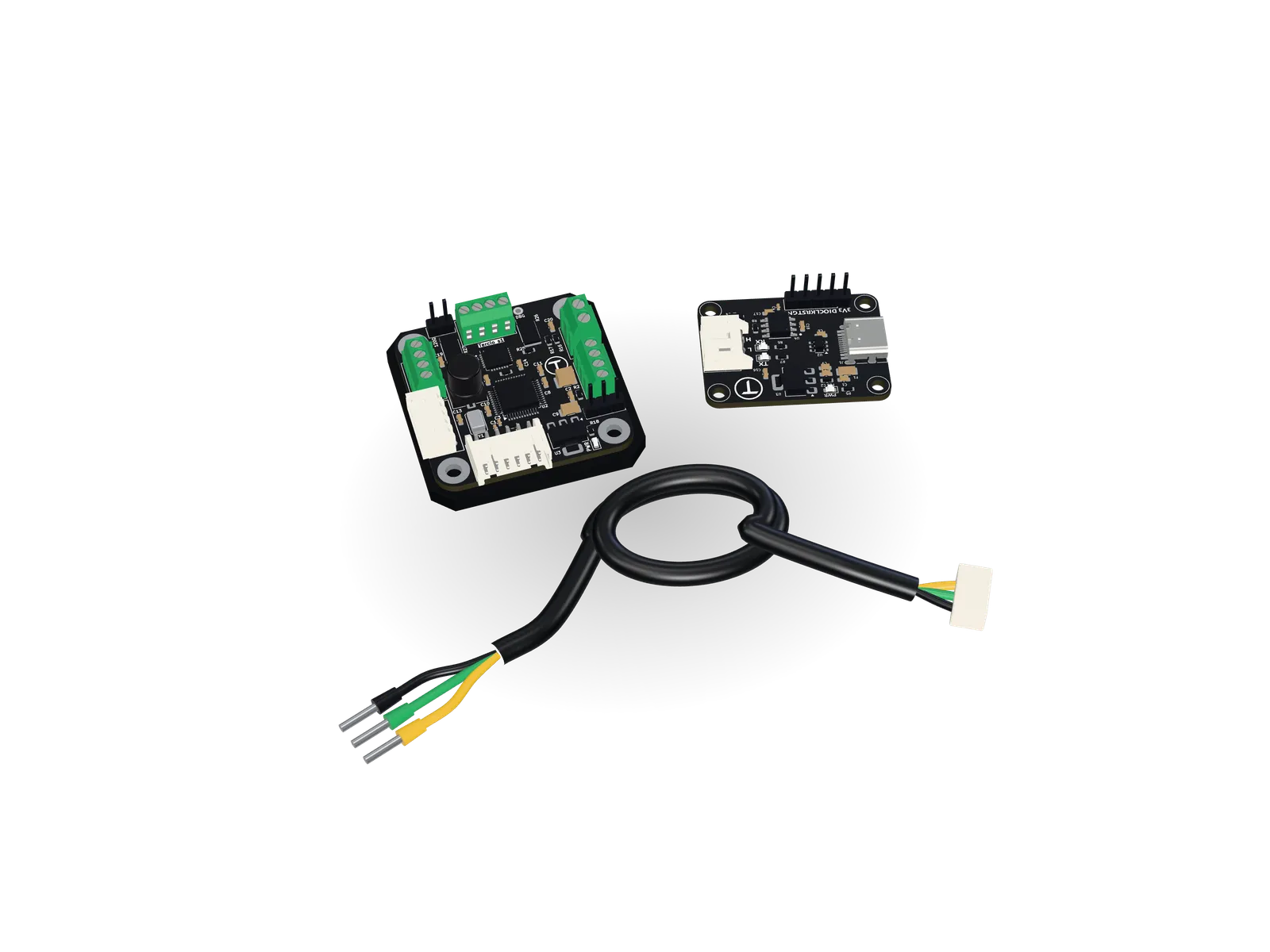
The Starter Kit.

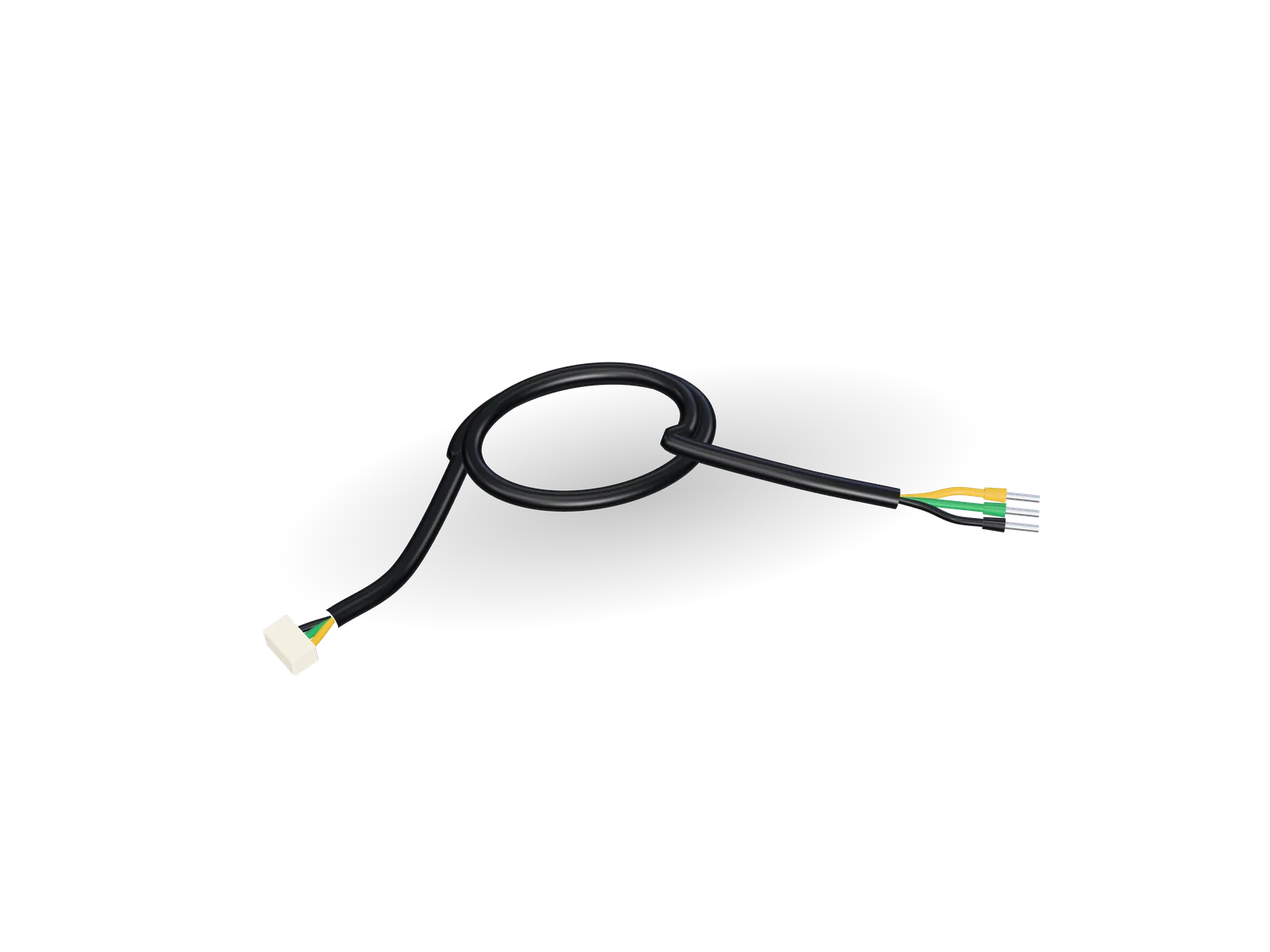
Tercio S1, Tercio FD and the cable between them. Add an S1-ready motor and you’re one USB cable away from your first closed-loop axis.

  • Tercio S1
  • Tercio FD
  • CAN cable
  • Motor optional
Tercio S1, Tercio FD and the CAN cable
Questions

Good to know.

Anything else? The firmware, libraries and control panel are all on GitHub.

When can I order?

Orders open on 1 December 2026 at 00:00 GMT. Join the list and we’ll email you once, the moment the store opens.

Which motors work with the S1?

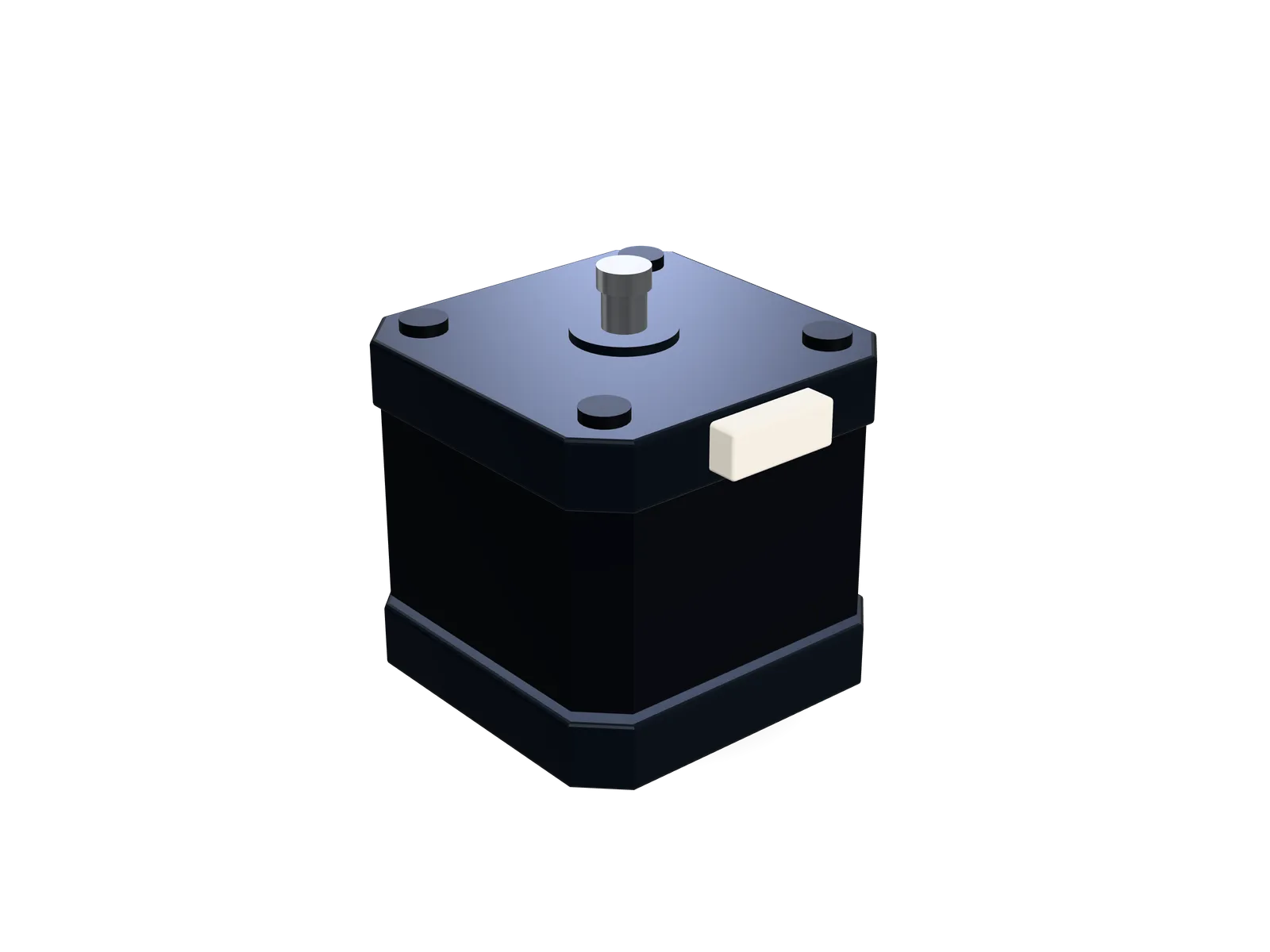
Bipolar NEMA 17 steppers with a rear shaft: the on-board encoder reads a diametric magnet on it. Our S1-ready motors come with the magnet fitted. No rear shaft? Connect an external AS5048A or AS5600 encoder instead.

Do I need the Tercio FD?

To set up an S1, or to control it over CAN from a computer, yes: the FD connects the bus to USB. Once set up, an S1 can also follow a step/dir controller by itself.

Can it replace the drivers in my 3D printer or CNC?

Yes, as a step/dir driver for controllers with 3.3 V logic. The STEP, DIR and EN inputs are not 5 V tolerant. The S1 keeps the loop closed while it follows your controller.

Which browsers run the control panel?

Chrome, Edge and other Chromium-based browsers on desktop, which support Web Serial. Nothing to install. The Python library works on any computer.

How many axes can share one bus?

Up to 127 nodes, each with its own ID. Terminate both ends of the bus with 120 Ω: the Tercio FD has it built in and the S1 has a jumper for it.

Is it open source?

The S1 firmware is GPL-3.0. It lives on GitHub alongside the Python and C++ libraries and the control panel. The hardware is designed by Tercio Labs.

1 December 2026 · 00:00 GMT

Be there on day one.

Join the launch list and get 20% off your first order when the store opens.

--
Days
--
Hours
--
Minutes
--
Seconds
What are you interested in?

Get 20% off your first order at launch. A confirmation with your code now, one email when the store opens, nothing else. Unsubscribe any time.

Your cart

Your cart is empty.

The store opens on 1 December 2026. Get an email the moment it does.

Launching 1 December 2026

Be first when we open

Leave your email and we’ll write once, the moment orders open. Pick what you’re interested in so we can plan stock.

What are you interested in?

Get 20% off your first order at launch. A confirmation with your code now, one email when the store opens, nothing else. Unsubscribe any time.